Logs & Trash
WastePro keeps a full history of what happens in your organisation and never truly throws anything away. This page covers the three screens that let you look back and undo: the Audit log, the Event log, and the Trash. You’ll find them in the account menu at the bottom of the sidebar.
The Audit log and Event log are for organisation admins. The Trash is available to anyone whose role lets them edit records, so ops and admin users can all restore things.
Audit log — who changed access
The Audit log records changes to who can get in and what they can do: roles being switched on or off, members being activated or set to pending, and members being removed. Each entry is written automatically — there’s nothing to turn on.
| Column | What it shows |
|---|---|
| When | Date and time of the change. |
| Action | What happened, e.g. “Changed member roles” or “Changed member status”. |
| By | The person who made the change. |
| Member | The person the change was made to. |
| Detail | The specifics, such as the new roles or status. |
It shows the most recent changes for your organisation, and you can click a column heading to sort.
Event log — the operational history
The Event log is a broader diary of things happening across the platform — imports and exports, changes to runs, bookings and customers, and so on. Each event carries a severity so you can tell routine activity from problems:
- Info — normal activity.
- Success — something completed as expected.
- Warning — something worth a look.
- Error — something went wrong.
To find what you need, use the severity chips, the category dropdown (routes, runs, bookings, imports, finance, customers and more), and the search box at the top. Columns sort on click. It’s the place to go when you want to understand what happened to a record, or confirm that an import or export ran.
Trash — restore deleted records
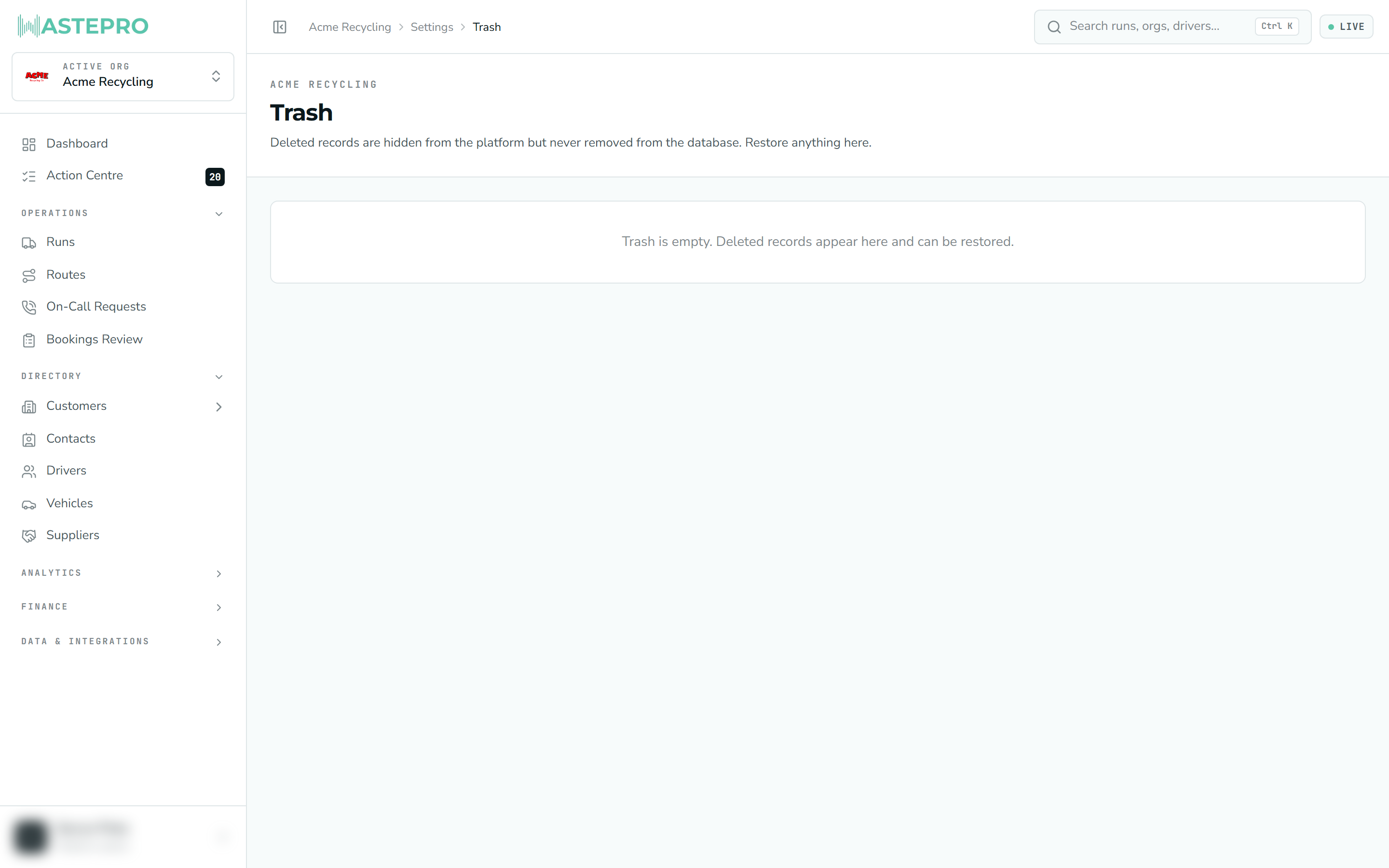
When you delete most records in WastePro they aren’t wiped — they’re moved to the Trash, hidden from the rest of the app but kept safely so you can bring them back.
The following record types can be restored from here:
| Restorable | ||
|---|---|---|
| Customers | Sites | Services |
| Runs | Routes | Contacts |
| Drivers | Vehicles |
Each row shows the record’s type, its name, when it was deleted and who deleted it. If there’s more than one type in the Trash, the chips along the top let you filter to just one.
Find the record
Scroll or use the type chips to locate what you want back.
Click Restore
Press Restore on its row. The record returns to its normal screens exactly as it was.
Not everything is soft-deleted. A few records (such as jobs) are handled differently and won’t appear in the Trash — you deactivate those rather than delete them.
Next: carry on to Connections to see how WastePro links up with the other tools you use, like Xero.